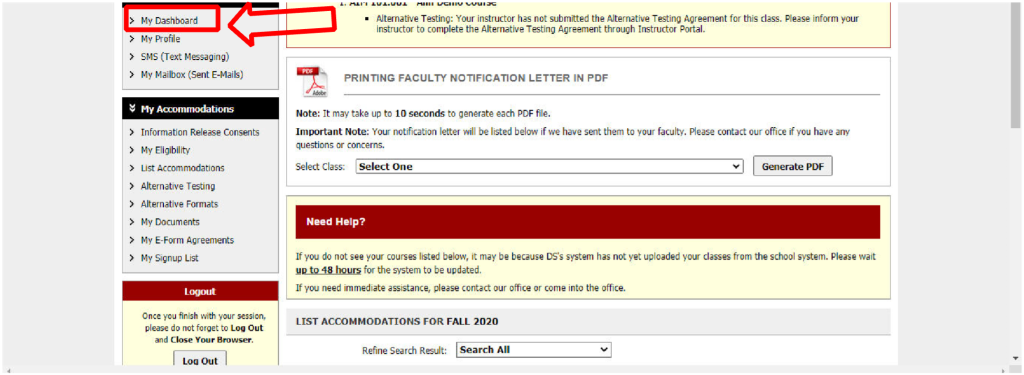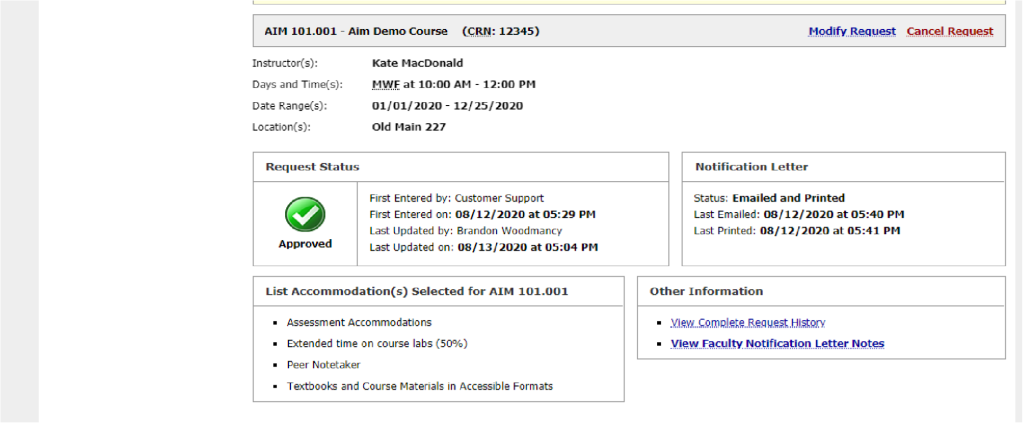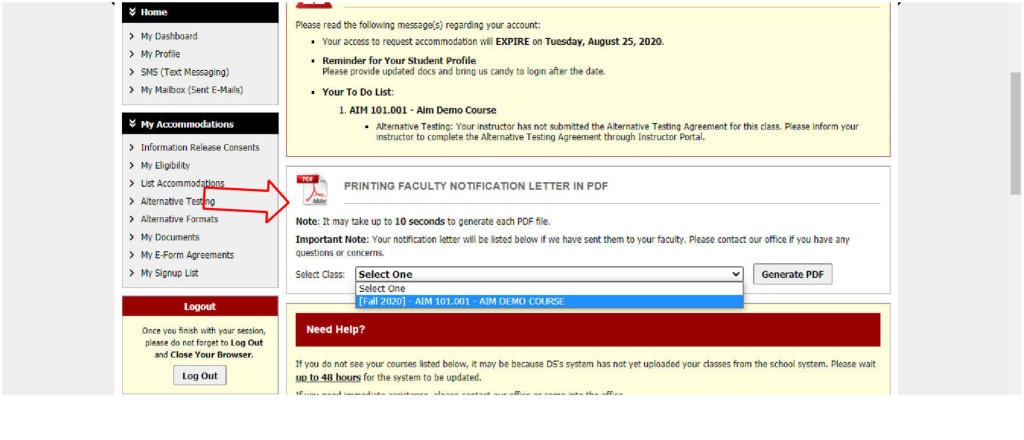


1. Go to the Randolph-Macon College’s “Welcome to Online Services” landing page by using the following link: https://bachelor.accessiblelearning.com/RMC/ Enter the same RMC credentials used to check your student email account or log in to a computer on campus. Include “@go.rmc.edu” when entering your username.