






How to Request Letters of Accommodation in Disability Services Online (DSO)
1. Go to the Randolph-Macon College’s “Welcome to Online Services” landing page by using the following link: https://bachelor.accessiblelearning.com/RMC/ Enter the same RMC credentials used to check your student email account or log in to a computer on campus.
Include “@go.rmc.edu” when entering your username.
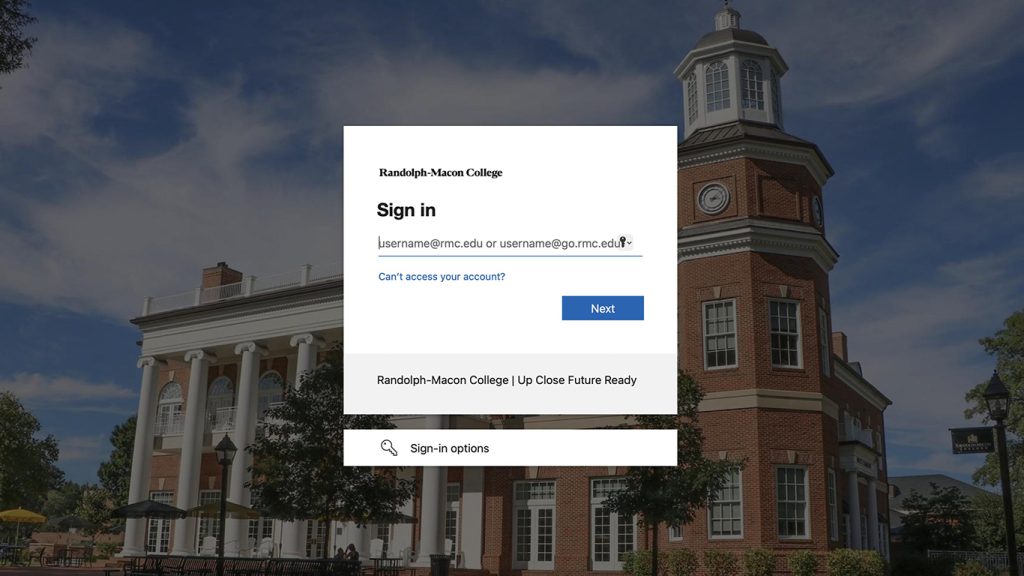
2. Once logged in, you should be directed to your Dashboard that provides an overview of your account. Click on “My Dashboard” on the left side if you navigate away from the Dashboard and need to return to it.

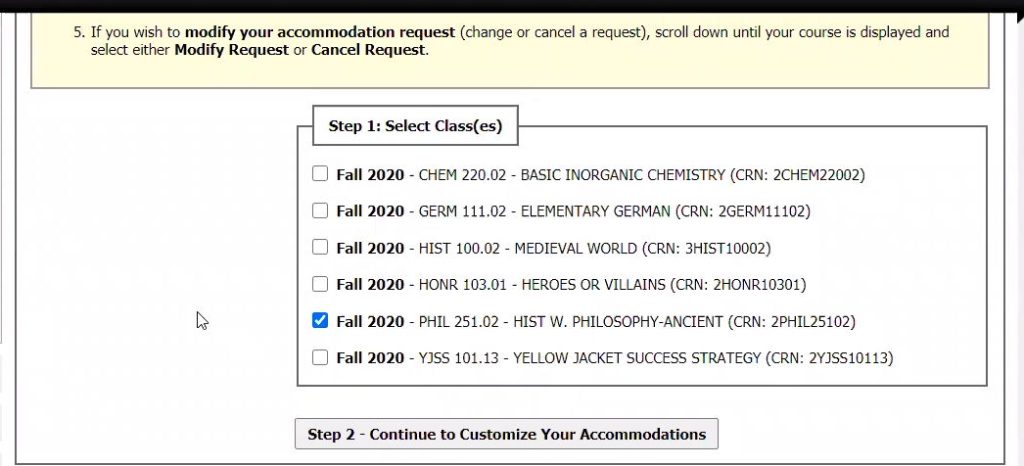
3. Under “Select Accommodations for Your Class” section of “My Dashboard”, select the classes for which you want to request accommodations. Then, click “Step 2-Continue to Customize Your Accommodations”.
4. For each class, select which accommodations you want to request. No accommodations are checked by default, but you can check any accommodation you want to use for a specific class (example: a four-function calculator accommodation is probably not needed in an English class). Once finished, click “Submit Your Accommodation Requests”.

5. Return to “My Dashboard” to verify your Letter of Accommodation request was sent. Beside each class, you will see the word “Requested”. Also, you will receive a confirmation email to your RMC email account. Now that your instructors have been informed of your accommodations, you can schedule to take assessments proctored by the Office of Disability Services.

6. After you submit your accommodation request, you can also print a PDF version of your Letter of Accommodation if you hoose. To do this, navigate to your Dashboard. Scroll down to “Printing Faculty Notification Letter in PDF”. Use the drop down menu to select the class you for which you want to print a Letter of Accommodation. A PDF will be generated for you.

*If you have any questions about requesting Letters of Accommodation through the DSO, contact the Office of Disability Services at DSS@rmc.edu or 804-752-3152. We are here to help you!